

AutoML Store Model
v1.0.0Cross-validate candidate models on training data, pick the best, and score unseen data.
AutoML Store Model
What it does
This node trains a model on your table and persists it globally so other flows can load it with AutoML
Reuse Model. It handles the preprocessing, cross-validates the model (or picks the best of several),
then refits on all rows. Output is a one-row summary (artifact_name, artifact_id, model, task,
primary_metric, cv_score, n_train_rows, n_features, n_classes, balancing), plus an optional
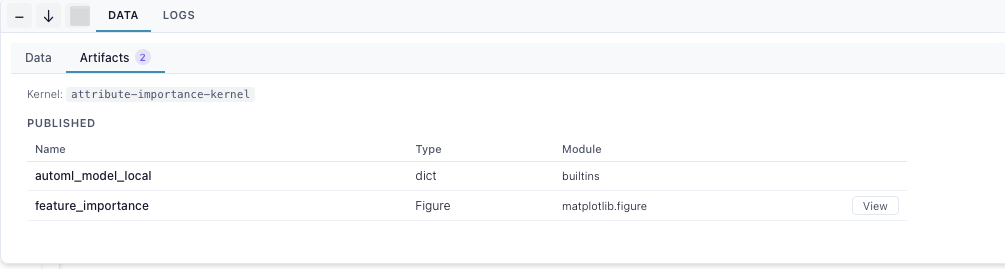
feature-importance chart on the Artifacts tab. Runs on a kernel.
Inputs
One table: any mix of numeric, string, boolean or categorical feature columns, plus a target column. Rows with a null target are dropped. Classification needs two or more classes, regression a numeric target.
Settings
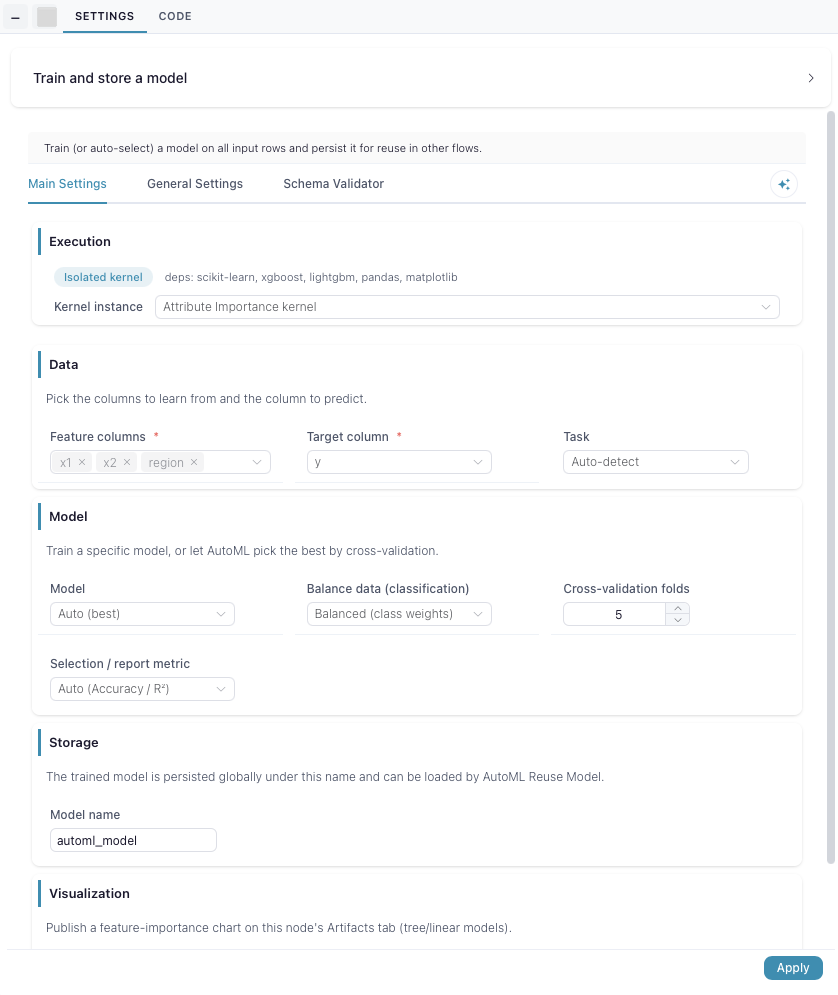
Data — the feature columns and the target. Task is auto-detected (strings, booleans and low-cardinality integers become classification); set it yourself if the guess is wrong.
Model — pick an estimator, linear through the tree ensembles to XGBoost and LightGBM, or leave it on Auto to cross-validate Linear Model, Random Forest, XGBoost and LightGBM and keep the winner. Balancing only applies to classification: class weights by default, or over/undersample the training folds. Folds control the cross-validation, and the selection metric is both what Auto ranks on and what gets reported.
Storage — the name the model bundle is published under. Reusing a name overwrites the stored model.
Visualization — publish the top-20 feature-importance chart under a name you pick, or turn it off. Only tree and linear models expose importances; others skip the chart.