
Your UI is already your agent's API
Design a UI component well and you've already written an agent tool — the same typed object, no translation layer in between. The pattern, in forty lines of Flowfile.
When I added an agent to Flowfile, I sat down to write what I assumed was the hard part: the tool definitions. The schema of every action the agent could take — what each one accepts, what it returns, which values are legal. I got about one tool in before I realized I’d written them all already. They were the node settings. I’d been writing the agent’s API for two years and calling it a settings panel.
This is the hands-on companion to a longer argument I made elsewhere: that scoping an agent — bounding its actions, typing its interfaces, wiring feedback scoped to each step — is the same work as designing a good UI. That post is the why. This one is the how, in about forty lines.
The claim is more literal than it sounds. If you design a component well, you’ve already built an agent tool — the same object, no translation layer in between. Here are the three habits that get you there. I’ll use a Flowfile node because that’s what I know, but the moves are identical for a React component, a Pydantic tool schema over function calling, or an MCP server.
One component, one job
Don’t build a “text utilities” panel with twelve toggles that does whatever the toggles add up to. Build a component that does one transformation, with a boundary you can name in a sentence. The boundary of the component becomes the boundary of the action — and a small, nameable action is one a model (and a person) can choose correctly. If you can’t say what the component does in one line, the agent can’t either.
Put the settings in a typed schema, not the markup
This is the move that does the most work. The configuration the node needs — which column, which operations — lives in one typed object, not scattered across template bindings and a submit handler:
import polars as pl
from flowfile_core.flowfile.node_designer import (
    CustomNodeBase, NodeSettings, Section,
    ColumnSelector, MultiSelect, Types,
)

class TextCleanerSettings(NodeSettings):
    cleaning: Section = Section(
        title="Cleaning",
        column=ColumnSelector(label="Column", data_types=Types.String),
        operations=MultiSelect(
            label="Operations",
            options=["lowercase", "trim", "remove_punctuation"],
            default=["lowercase", "trim"],
        ),
    )

class TextCleaner(CustomNodeBase):
    node_name: str = "Text Cleaner"
    settings_schema: TextCleanerSettings = TextCleanerSettings()

    def process(self, input_df: pl.LazyFrame) -> pl.LazyFrame:
        col = self.settings_schema.cleaning.column.value
        ops = self.settings_schema.cleaning.operations.value
        expr = pl.col(col)
        if "lowercase" in ops:
            expr = expr.str.to_lowercase()
        if "trim" in ops:
            expr = expr.str.strip_chars()
        if "remove_punctuation" in ops:
            expr = expr.str.replace_all(r"[^\w\s]", "")
        return input_df.with_columns(expr.alias(col))
TextCleanerSettings is a single declaration. The editor reads it to render the settings panel — ColumnSelector and MultiSelect are the UI. Validation reads it before the node runs. And when an agent shows up, it reads the same object as the tool signature it has to fill in: a column that has to be a string, an operation that has to come from a fixed list. One definition, three consumers, and none of them can pass a value the type forbids. You didn’t write a separate “agent API.” You wrote the form, and the form was the contract.
The thing to avoid is the opposite: settings that only exist as the current state of some input fields, checked by whatever the submit handler happens to check. A human can muddle through that. A model can’t fill in a shape that was never written down, and you can’t validate a call you never typed.
Return the result of this node, not the world
process takes its inputs and returns its output — nothing global, nothing reaching past its own edges. That’s what makes the feedback scoped: run this one node, get this one node’s schema and a preview of its rows. The same observation a person reads off the canvas is the grounding the agent reads back before it decides the next step. You don’t instrument for the agent; the per-component result was already the right signal.
What falls out
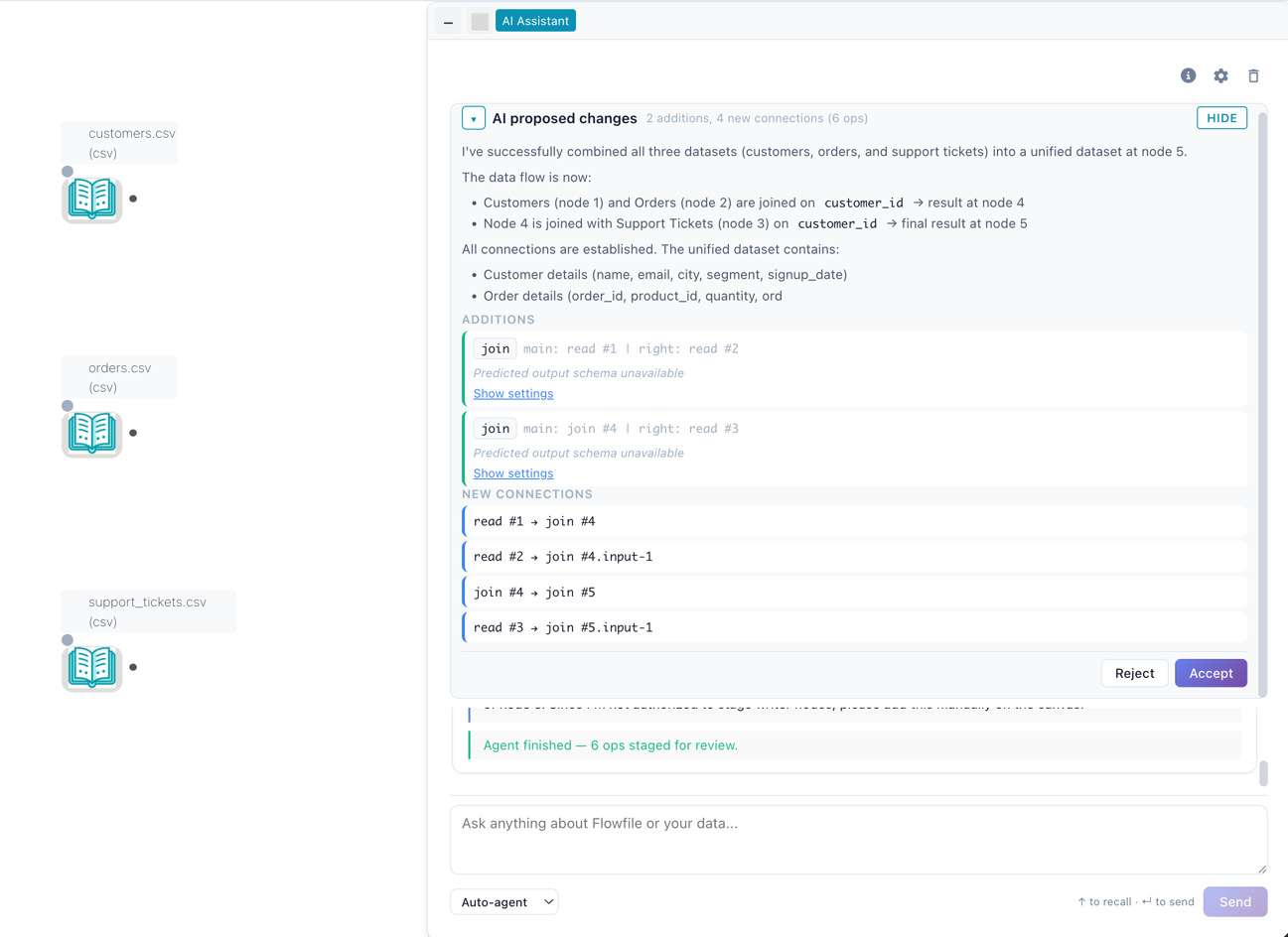
That’s the whole tutorial. One job, a typed schema, a local result. Do those three and you haven’t built an agent integration — you’ve built a good component, and the agent integration is what falls out. The agent that reads your nodes as tools, fills in their typed settings, runs one, and reads the result before the next step isn’t calling a special API you maintain alongside the UI. It’s calling the UI. Build the screen well and the tool is already there.
Flowfile is MIT-licensed and self-hosted; the flowfile_core.flowfile.node_designer API above is the real thing you’d use to ship a custom node, not a sketch. Try it in the browser at demo.flowfile.org, pip install flowfile, or read the code at github.com/Edwardvaneechoud/Flowfile.
Related reads: If you’re building an AI agent, scope it before you scale it for the argument this pattern falls out of, Flowfile Goes AI for the release where the agent reads these nodes as tools, and Tools That Teach Get More Important in an AI World, Not Less for the philosophical sibling.